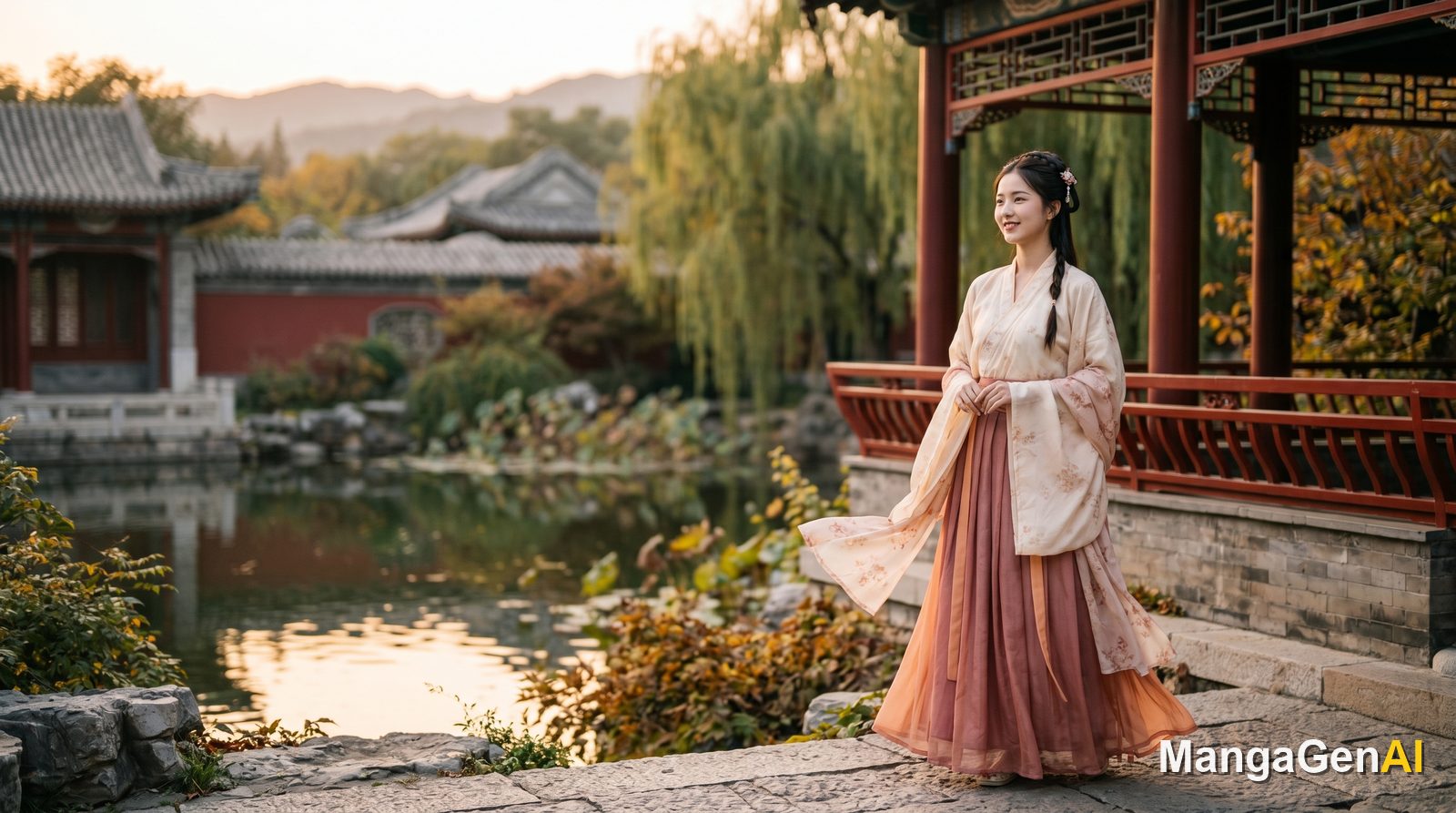
You Do Not Need to Know How to Wear Hanfu, You Just Handle the How-to-Shoot
For many people, the first hurdle with hanfu is not taste but the simple fact that they have no idea how to wear it. Just how the collar layers, where the waistline sits, whether the colors clash, is enough to make someone give up before the photo is even taken. Yet what truly makes a classical portrait look good is usually not the clothing itself, but the kind of scene it is placed in, the pose the person strikes, and the direction the light comes from. In other words, the outfit is the baseline. Camera work and atmosphere are the dividing line.
The hanfu portrait mode flips this around. You do not need to understand the garment's construction, the styling is applied automatically. What you put your thought into is what this photo is actually meant to look like.
It Is Really a Classical Photography Studio
Think of it as a studio rather than a filter, and you will be closer to how it actually works. You upload your own photo, up to 3 subject portraits, and the generated person carries your likeness. Add 1 style reference if you like. Then the whole studio is yours to adjust across seven major areas: environment scene, camera framing, professional optics, portrait pose, lighting design, equipment model, and post-processing and makeup.
Why split the options this finely instead of offering one-tap presets? Because a photo's mood is the sum of all these variables stacked together. The same hanfu, standing before red palace walls versus standing in a misty bamboo forest, tells a completely different story. So rather than handing you a vague classical style, it lets you decide panel by panel, like a photographer.
The background scenes alone number more than twenty: red palace walls, gilded landscapes, Dunhuang flying apsaras, a cultivation fantasy realm, the misty bamboo forest of a martial arts epic, a wabi-sabi garden, Song-dynasty minimalism, splashed-ink calligraphy, a snow-scene composition, desert geometry, a city of ten thousand lights. Pair these with seasons and lighting times, the four seasons, sunrise, harsh noon, the golden hour, an eternal starry sky, and the same scene becomes two different photos at two different times.
The poses are not just standing at attention either. Playing the guqin, savoring tea, drawing a bow, dancing with a sword, riding a sword through the air, a glance over the shoulder, a stunning view from behind, dancing gracefully, reading quietly, are all there, and you can add wind simulation, a breeze or a gust to set skirts and hair in motion. Want something in hand? A folding fan, a round fan, an ancient sword, an oil-paper umbrella, a flute, a wine jar, a lantern, an old book, a lotus, take your pick. The final post-processing and makeup adds another layer: makeup can be an exquisite full look or a floral-decal classical look, environment effects include falling petals filling the sky, splashing ink, drifting fireflies, and even photo texture and hair refinement can be tuned. Before output you can also set the ratio, the number of shots, and the resolution.
A Walkthrough: A Dusk Glance Over the Shoulder
After all that, running through one is more telling. First upload a clear, front-facing selfie where the features are not hidden by bangs or shadow, since this directly determines how much the result looks like you. For the background I choose red palace walls, set the lighting time to the golden hour of dusk, since that warm light against red walls is especially evocative. For the pose, pick the glance over the shoulder, and put an oil-paper umbrella in her hand so the whole image gains movement and a center of gravity. For post-processing, add falling petals filling the sky to give the background more depth. Set the ratio and number of shots, and generate.
You will notice that from start to finish I never touched a single setting about how to wear hanfu. The styling applied itself. All my attention went into how this photo should be shot.
A Trick or Two
First, and the most common pitfall: do not pile on every dramatic option at once. Turn on falling petals, drifting fireflies, gusting wind, and splashing ink all together and the frame gets so crowded you cannot tell who the subject is. Pick one or two as the main visual. Negative space is part of composition too.
Second, if you want a specific detail that is not in the menus, such as a certain hair ornament, a sash of a particular color, or a particular prop in hand, just write it into the description field. The absence of a dynasty or garment-construction dropdown is deliberate. Truly fine details are most precisely conveyed in words.
Common Problems and How to Fix Them
The result does not quite look like me? Usually the uploaded photo was shot too much in profile, was too dark, or was too low in resolution. Switching to a clear, front-facing photo with even lighting usually helps a lot, and you can add a few more subject portraits to help it recognize your face.
The mood is right but the person looks out of place? Try aligning the pose with the scene, for example a bamboo forest with sword dancing, or a garden with tea drinking. When the action and environment match, the whole photo feels much more natural. If it looks too plain, go back to the post-processing layer and add slowly, one item at a time, checking the effect before deciding the next step.
In the end, the hanfu portrait hands the hardest part, the wearing, over to the system, and leaves the most rewarding part to you. Going from an ordinary selfie to a version of yourself glancing back before red palace walls, what stands between is not whether you know how to wear hanfu, but whether you are willing to tune this photo to just the right look, like a photographer.