Blog
Article categories
Character workflow · 3 articlesGetting started · 1 articlesManga studio · 9 articlesPhoto studio · 5 articlesPlatform guide · 1 articles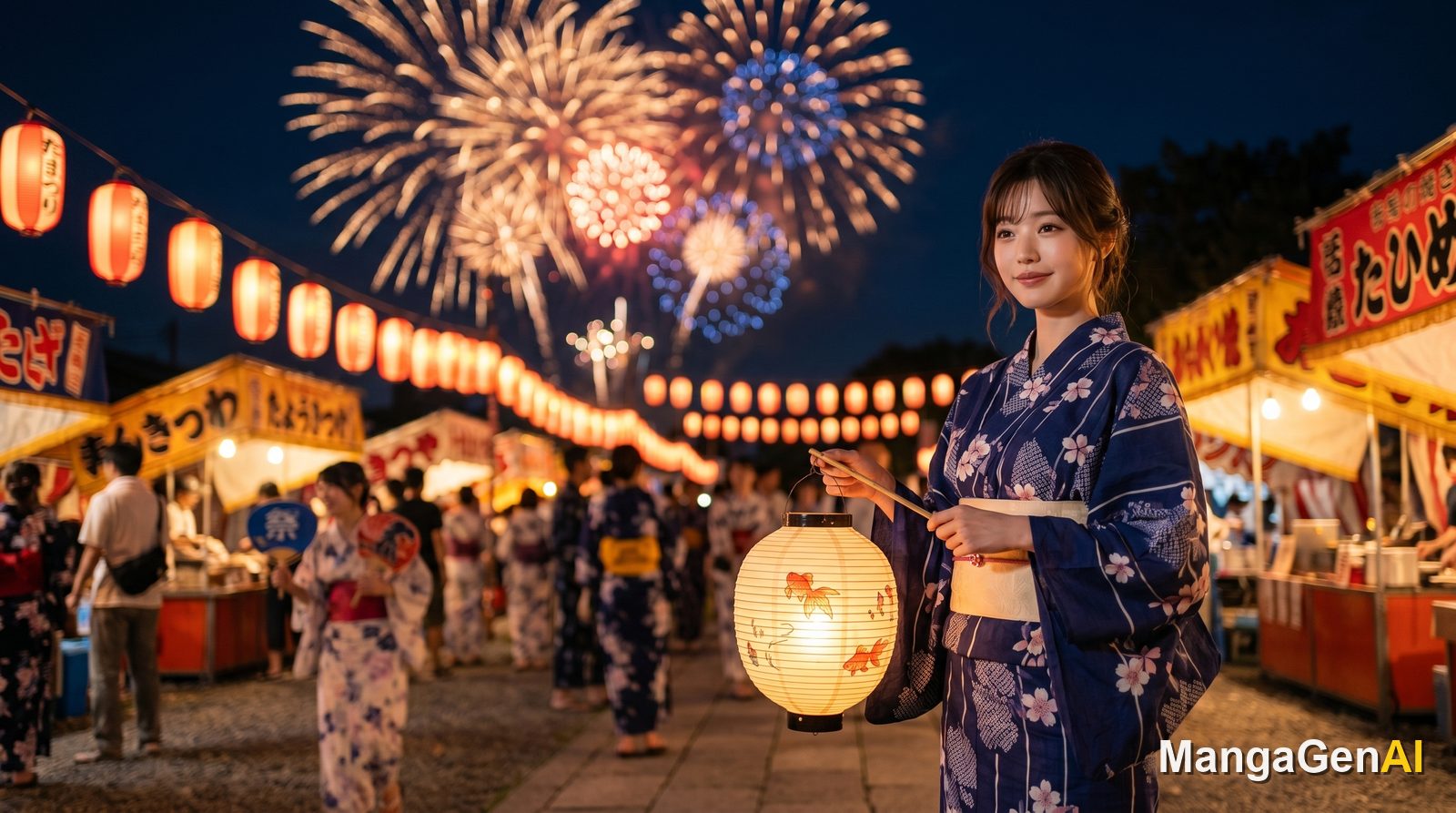
Make a Yukata Portrait at Home: Capture a Summer Festival Night
You do not need to fly to Japan or buy a yukata. Upload a selfie and use two separate scene ideas for a summer festival walk or fireworks by the river.
YukataSummer PortraitsKimono PortraitsJapanese StyleSeasonal Ideas
Photo Generation vs Text Generation: Where Should My Manga Start?
Have a photo? Start on the photo side. Only have an idea? Start on the text side. This guide uses a few quick questions to help you pick the right entry point, and shows you when to use both together.
decisionphoto to mangamanga generationgetting startedchoosing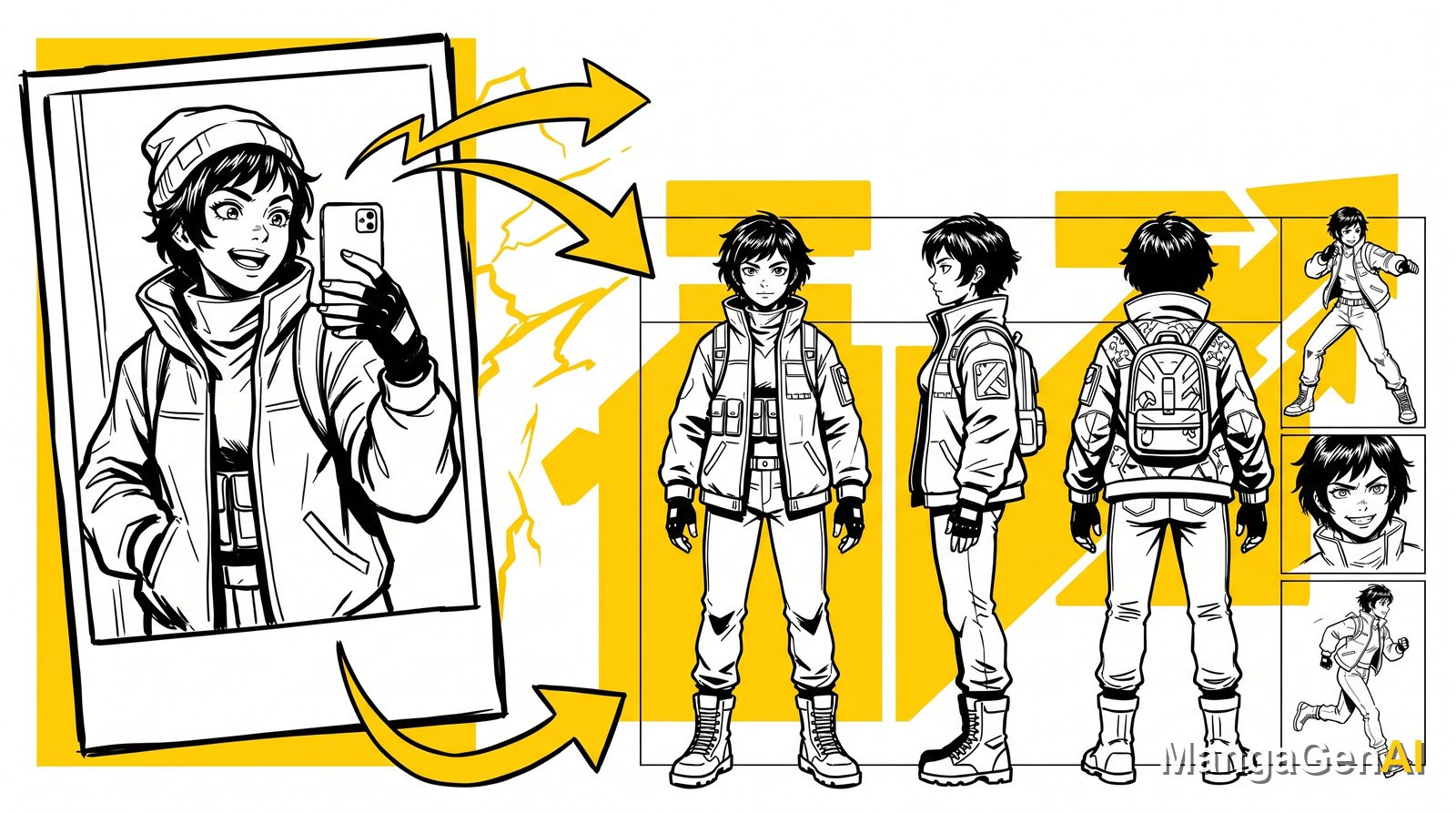
From a Single Selfie to a Full Character Sheet: The Complete Workflow
A selfie is more than just a profile picture. Follow this workflow to lock in a face, build a character, fix the look, and generate a range of poses and outfits, so you end up with a full, reusable character design.
character designcharacter setupcharacter consistencyworkflowcomplete guideYou Do Not Need to Draw to Tell a Story: Turn a Block of Text into a Full Manga
From a single spark of inspiration to a finished manga page, this guide walks you through manga generation, choosing the layout and art style, plus tips for character consistency.
Manga GenerationText to ImageWebtoonStoryboardingCharacter SetupLay the Foundation with Characters and Scenes: Where Manga Consistency Begins
Want your lead to look the same from the first page to the last? The key is not redrawing every image, but locking down the design first with Character and Scene, then saving it to the Asset Library to use throughout.
Character DesignScene DesignCharacter ConsistencyManga TutorialAsset LibraryThe Collage Workshop in Practice: Turn Scattered Images into a Complete Manga Page
Generated a pile of single panels but unsure how to turn them into a page you can publish? The Collage Workshop is the step that lays out scattered assets into a webtoon strip or a printed-style page.
Collage WorkshopManga LayoutWebtoon StripPage LayoutPage Assembly TutorialManga Translation Is Not Just Swapping Languages, It Carries the Emotion Across Too
Translate finished manga pages into other languages and re-typeset them back into the speech bubbles, with no redrawing. We talk glossaries, emotional typesetting, batch mode, and how to translate a whole series consistently.
Manga TranslationLocalizationEmotional TypesettingGlossaryBatch GenerationThe Asset Library in Practice: Keep Your Character Looking the Same in Every Panel
The key to character consistency is not redrawing from scratch each time, but registering your character first. This guide shows you how to build a hero profile in the Asset Library and call it up with one tap across every tool.
Asset LibraryCharacter ConsistencyCharacter ProfilesManga TutorialCreative TipsInpainting: Change Only That One Spot, Leave Everything Else Untouched
When a result is ninety percent perfect and only one spot is off, rather than redrawing the whole thing, use inpainting to fix just that small area precisely. This guide covers the workflow, the toolbox, and a real example.
InpaintingImage EditingPost-ProcessingPrecision RetouchingTutorialKimono Portrait Guide: Turn a Selfie into a Japanese-Style Portrait from a Kyoto Studio
It is more than hitting generate. From kimono style and pattern materials to scene and pose, this guide walks you step by step through building a coordinated kimono portrait with a sense of story.
Kimono PortraitJapanese PortraitPortrait StudioKyoto Photo TripAI PortraitLove the Composition but Want a New Style? Redraw Handles It in One Go
A composition you are happy with does not need to be rebuilt just to change the style. Redraw keeps the subject outline and layout and reinterprets the whole image into another art style.
RedrawStyle ChangeCompositionManga StyleImage RemakeThe Complete Magic Portrait Guide: Become a Legendary Character at a Magic Academy
From your house and wand to a summoned guardian, Magic Portrait lets you assemble a magic-academy persona that is entirely your own. This guide walks you through building one step by step and shares tricks to give the result more soul.
Magic PortraitPortrait StudioFantasy PersonaPortrait GenerationHow-To GuideThe Complete Guide to Freestyle Design: Turn One Sentence into Commercial-Ready Product Shots and Brand Assets
An all-purpose design mode with no manga or portrait style attached, covering everything from a single prompt to product shots, posters, and logos. Learn how to assign reference images and clear the frame with negative prompts.
Freestyle DesignCommercial DesignProduct ShotsBrand AssetsDesign TutorialTurn a Selfie into a Manga Lead: The Complete Photo to Manga Guide
Photo to Manga is not just a filter, it lets you act like a director and reshape your character's outfit, action, scene, and camera. This guide covers the workflow, the options, and rescue techniques all at once.
Photo to MangaPhoto to ComicAI MangaComplete GuideBeginnerNews to Manga: Pick the Right Lens and Turn a News Story into a Four-Panel with a Point of View
The same news reads completely differently through an Idealistic Supporter, a Neutral Observer, or a Rational Critic. This guide walks the full flow from pasting the news to producing the image, with a complete example and tips.
News to MangaFour-Panel ComicTopical MemeSocial MediaTutorialThe Complete Pose Master Guide: Change the Pose, Keep the Character's Look
Want the same character to strike different poses while keeping the face, hairstyle, and clothing? This guide walks you through Pose Master, from skeleton detection to scene switching, for character paneling all in one go.
Pose MasterCharacter ConsistencySkeleton EditingStoryboardingManga Creation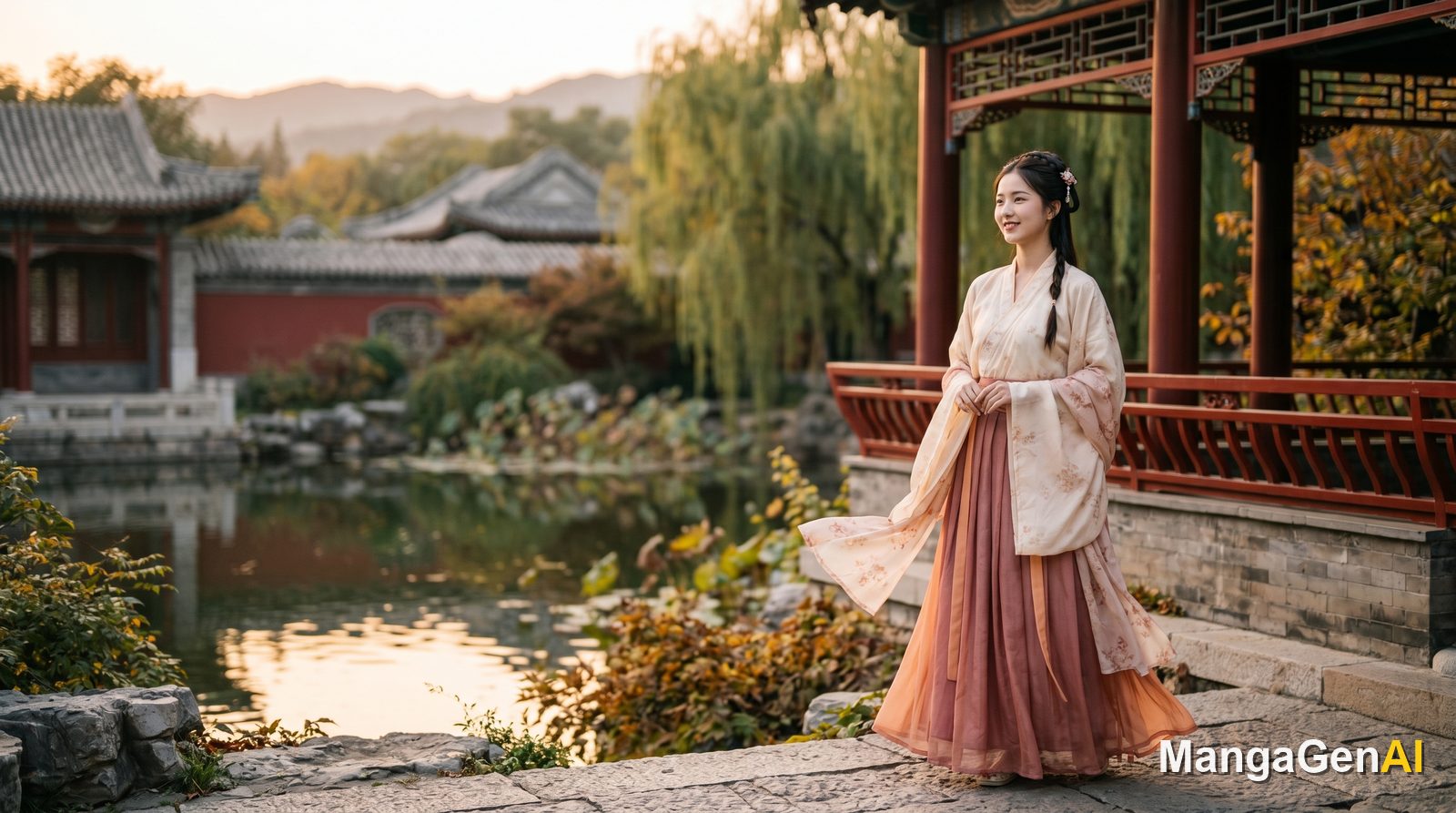
You Do Not Need to Know How to Wear Hanfu, You Just Handle the How-to-Shoot
Turning your photo into a classical Chinese portrait, the hard part was never how to wear the hanfu, but how to match the scene, the pose, and the lighting. This guide walks you through a hanfu portrait from upload to generation.
Hanfu PortraitClassical Chinese PortraitPortrait StudioAI PhotographyTutorialHow to Write Prompts So AI Draws the Image You Want
Good results often come down to description rather than luck. These practical rules, plus built-in expansion, image analysis, and templates, make the final image more predictable.
Prompt WritingImage GenerationAI ArtCreative TipsTutorial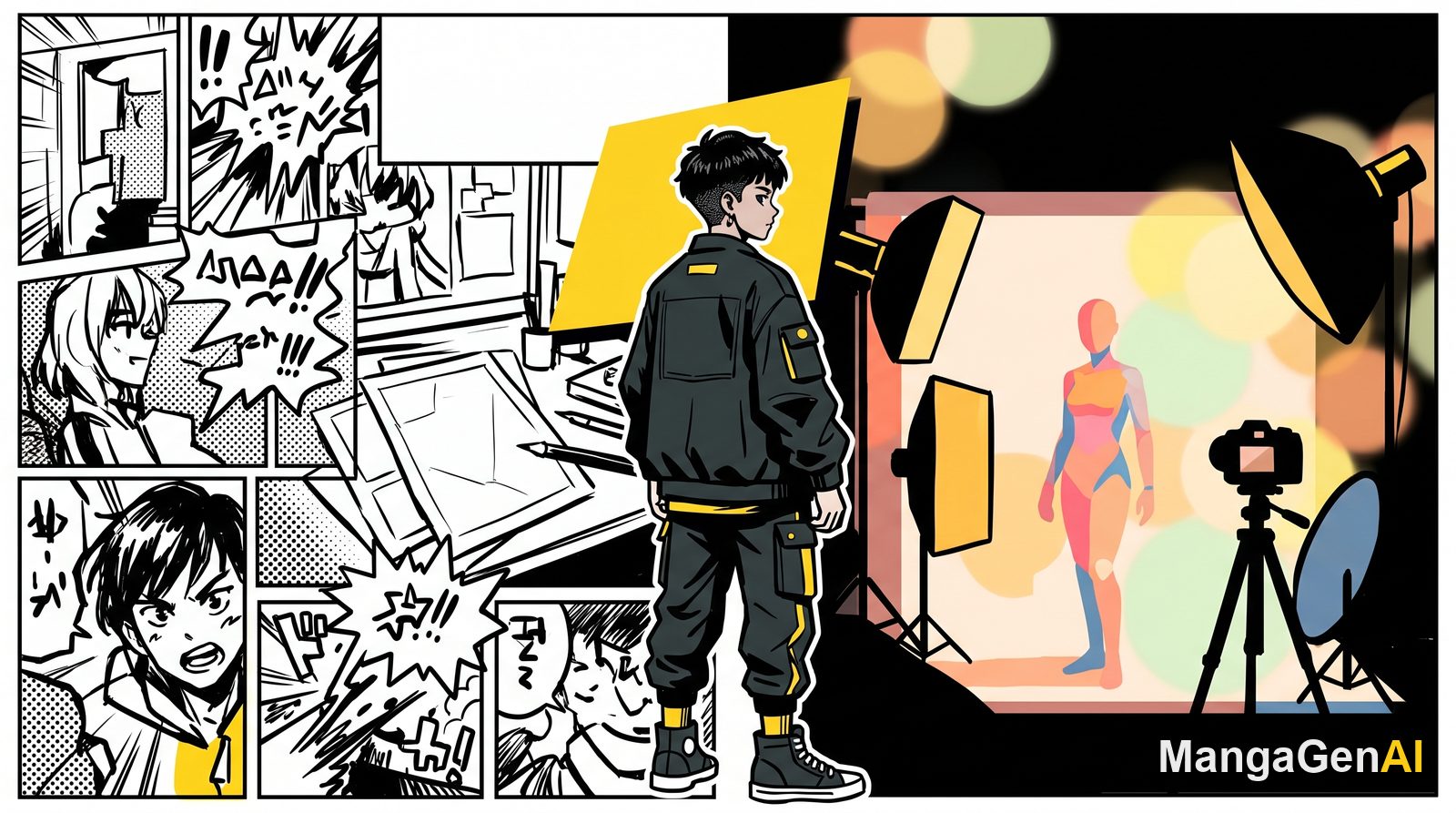
What Is MangaGenAI? A Complete Guide to the All-in-One AI Manga & Photo Studio
MangaGenAI brings manga storyboarding, photo studio modes, news-to-manga, cosplay editing, and a video studio together in one browser tab. This article walks through all 17 modules so you can see whether the workflow you need is already built in.
IntroductionFeature OverviewGetting StartedAI MangaAI Photo