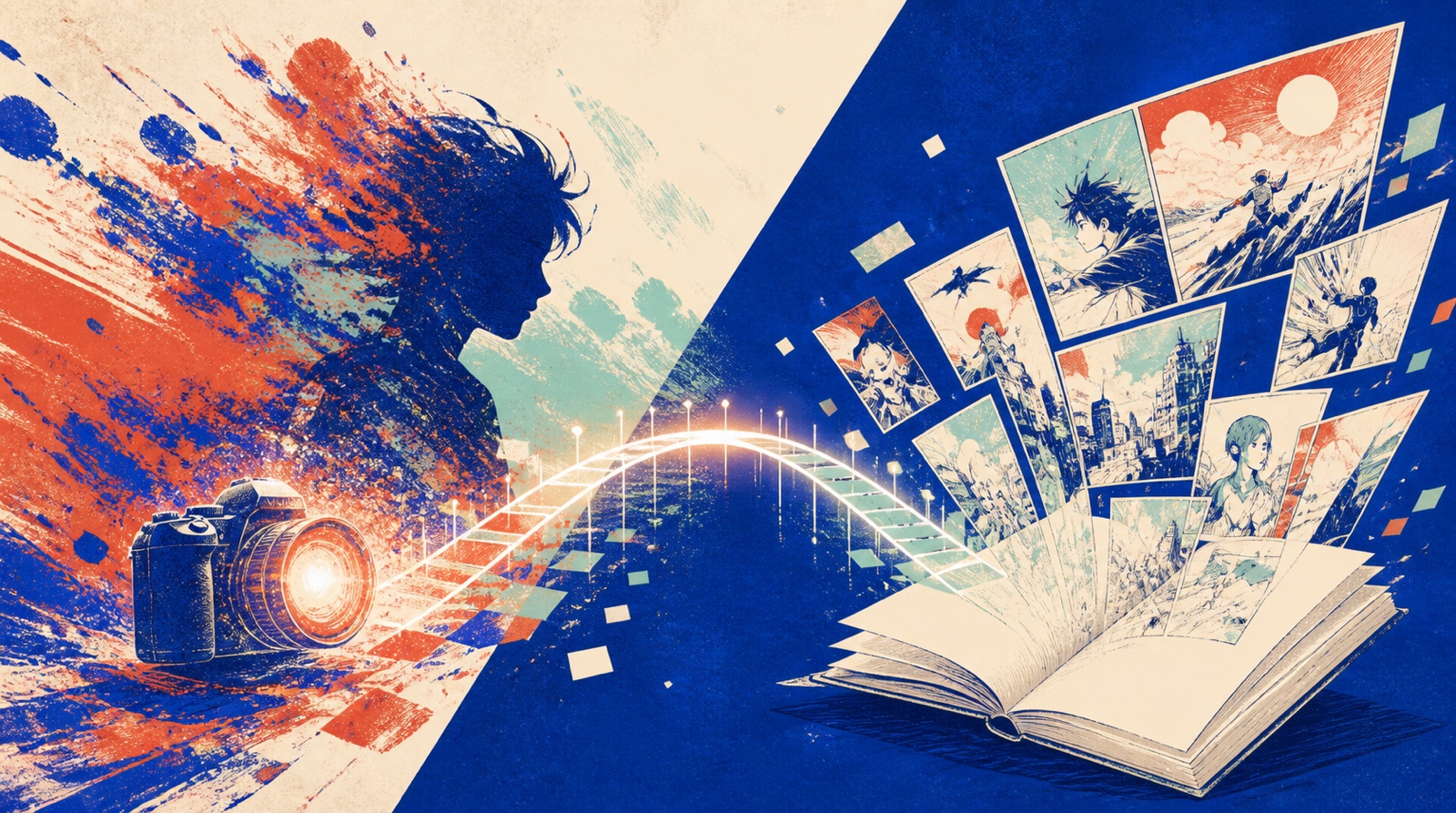
Photo Generation vs Text Generation: Where Should My Manga Start?
When people open MangaGenAI and want to make a comic, the first thing that trips them up usually isn't figuring out how to use it. It's not knowing where to begin: should you upload a photo, or just type out a description?
The platform actually gives you two starting points. Camera to manga starts from a single photo, while text generation (manga generation) starts from a piece of writing or a script. Both can produce a comic, but they suit very different situations. This article uses a few questions to help you quickly pick a side, and at the end it shows you a use case many people never think of: you can actually hand off from one side to the other.
Pick a Side in 30 Seconds
- You already have a photo you want to use (yourself, a friend, a pet): go with the photo side.
- You only have an idea, a story, or a one-line concept, and no reference image: go with the text side.
- You want the result to closely resemble a real person: photo side.
- You want to build a story with a plot, multiple panels, or even multiple pages: text side.
After those four questions, you probably have your answer. Here's why.
The Photo Side: Grown From a Single Face
Camera to manga starts from a photo. It keeps the facial features, hairstyle, and expression from the photo, turns the person into a manga character, and then lets you change outfits, poses, scenes, and art styles.
Its biggest strength is resemblance. Because it has a real face to work from, the result clearly looks like that person, which is very hard to nail with a text description alone. So if what you want is to turn yourself into a comic character, make an avatar for a friend, or draw your pet as a character, the photo side is the shortest path.
Its limitation is that your starting point is boxed in by that photo. It's great for creating many different looks for a single character, but it isn't a tool for laying out a full storyline.
The Text Side: Grown From an Idea
Manga generation starts from text. You write a single description, or paste in a whole script, and it generates a single page or multiple pages of comics.
Its biggest strength is freedom. Any character, any scene, any world in your head can be drawn as long as you can describe it, with no photo required up front. And it's genuinely designed for storytelling: four layout formats (strip, square, page, and long scroll), automatic paneling, smooth transitions between panels, and you can even use a location guide to anchor scenes to real-world places.
The trade-off is that without a fixed face to work from, character consistency is on you to manage (build the character first with character scenes, save it to your asset library, then reuse it across panels). In other words, you get more freedom, but keeping things consistent takes one extra step of groundwork.
A Quick Comparison Table
| Your situation | Suggested entry point |
|---|---|
| You have a photo you want to use | Photo side (camera to manga) |
| You only have an idea, no image | Text side (manga generation) |
| You need it to closely resemble a real person | Photo side |
| You need a multi-panel, multi-page story | Text side |
| You want a wildly imaginative world | Text side |
| You want to quickly make a single character image | Photo side |
Actually, the Best Answer Is Often Using Both
These two entry points aren't an either-or choice. You can hand off between them. The most common and most useful combination is this: start on the photo side, locking in your lead character's face from a single selfie, then move to the text side and use that already-defined character to build the story and create multiple panels.
That way you get both the resemblance of the photo side and the storytelling of the text side. If you want to follow this path all the way through, check out our article on turning a single selfie into a full character set. It starts on the photo side and walks through handing off to the text side and other tools.
Still Not Sure?
If you genuinely can't decide, here's the simplest rule of thumb: if you have an image, upload it. If you only have an idea, type it out. Make your first one, look at the result, and then decide whether to switch sides. Both entry points are fast, so instead of overthinking it, try each one once. Your eyes will tell you right away which side is closer to what you want.