What Is MangaGenAI? A Complete Guide to the All-in-One AI Manga & Photo Studio
What Is MangaGenAI?
MangaGenAI (MGA for short) is an AI manga and photo studio that runs right in your browser. No install, no GPU, no need to learn any drawing jargon. Describe what you picture in a single sentence, and the platform generates a publish-ready image for you.
The hard parts, prompt crafting, character consistency, pose control, and panel planning, are all handled behind the scenes. You just say what you want; the platform does the rest. It works on Web, iOS, and Android, and your work syncs automatically across all three.
Who it's for
- Indie comic & Webtoon creators: manage multi-episode stories in Series mode, with characters that stay consistent across every page
- Content creators & social media: turn news, articles, or posts into comics in one click
- Designers & brands: produce key visuals, posters, product shots, and logo drafts
- Cosplayers: generate hanfu, kimono, and fantasy character looks, or restyle hair, outfits, and poses
- Teachers & lecturers: break scripts into panels and build teaching material and course covers
- Absolute beginners: write one line, get an image
Two studios, each with a job
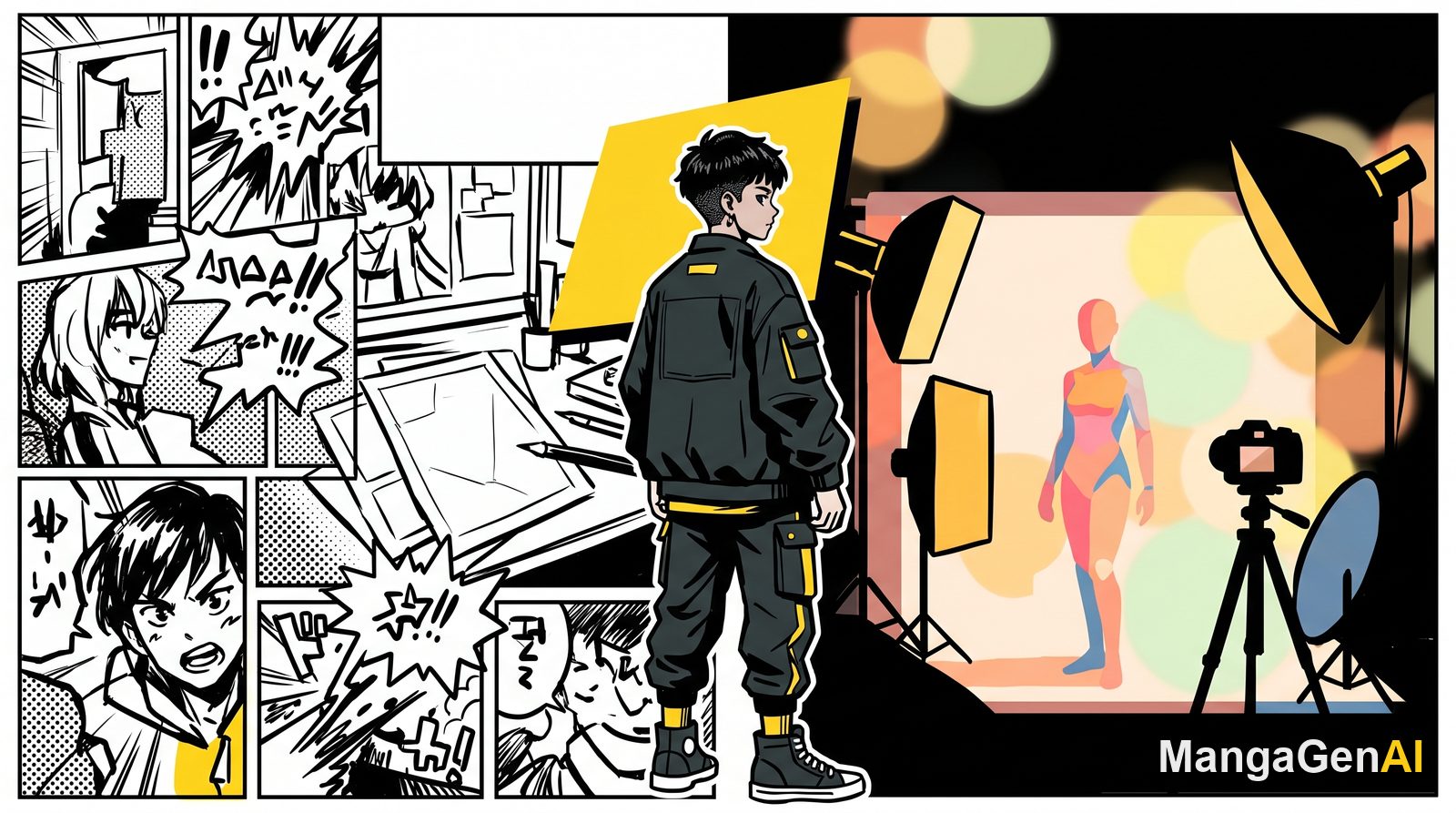
The platform splits into two parallel studios, switchable from the top bar:
- Manga Studio: built for narrative content with panels and story flow. Linework, screentones, panel framing, motion lines, and speech bubbles are all automatic.
- Photo Studio: built for single high-quality portraits and scenes, with a focus on backgrounds, lighting, wardrobe, and facial consistency.
Manga Studio
Comic Generation
Write a script or a description and get a single page or a multi-page storyboard. Three layouts to choose from: classic multi-panel pages, vertical Webtoon strips for mobile scrolling, and social-friendly squares. Switch freely between black-and-white, full-color Western comics, and Japanese-style color.
Series Mode
The core tool for full episodes and full series. Upload a script and the platform splits the episode into pages, plans the panels page by page, and maintains your character library and location library, so the same character looks identical across every page and panel. Episodes stack up over time, each laid out independently.
News-to-Manga
Paste a news URL or the full text, and the platform pulls the key points, breaks them into panels, and renders, producing a topical comic in seconds. Great for social commentary and trending takes. You can set focus points to steer which angle the art emphasizes.
Camera-to-Manga
Take a real photo and turn it straight into manga style, then extend it with expressions, outfits, and hairstyles to build a full comic character.
Character & Scene Design
Built for single assets: enter a few lines of description to get a character's full-body sheet, multiple expressions, and multi-angle views, or a scene in wide, medium, and close-up shots. Need it cut out? Export a transparent PNG in one click.
Pose Master
Lock the character, change only the pose. Give a base character image plus a pose reference (a skeleton, a line sketch, or any action photo), and the platform re-poses the character to match, keeping the face, hair, and outfit intact.
Inpainting
Mask an area and only that area is repainted. Remove clutter and it's cleaned away with the background filled in; or replace it with whatever you describe (for example, "change to a red dress"), leaving the rest of the image untouched.
Redraw
Keep the composition and the subject's outline, but give the whole image a new art style. Perfect for "I love this composition, but I want a different look."
Manga Translation
Upload an existing comic and the platform recognizes the speech-bubble text, translates it into your target language, and re-typesets it back into the bubbles, up to 4 languages in parallel. An emotion-typesetting toggle scales the lettering to the mood: shouts grow big and bold, whispers shrink and thin out.
Collage Workshop
Combine your finished images into a complete page or episode, whether vertical strip, paneled page, or social grid. Export as a single long image (JPG), a print-ready multi-page file (PDF), or the CBZ package format comic artists use.
Coser Zone
A mask-based editor made for cosplay: upload a photo, brush over an area, and swap hair color and style, change outfits (specify a color code), adjust poses, or change the setting, with adjustable strength for preserving the face. Batch out multiple variations to pick from.
Library
Every image you've generated is saved automatically, ready to browse, keep iterating on, or reuse as a reference in other tools. Each image remembers its original settings, so you can restore and regenerate in one click.
Video Studio (coming soon)
An advanced pipeline that adds voiceover to your serialized comics and turns them into video. Currently experimental; a full launch will be announced separately.
Photo Studio
Hanfu Portraits
Built for East Asian period characters. The platform understands hanfu construction (qixiong, ruqun, pibo, yunjian, and more), and you can specify the dynasty, accessories, and setting (courtyard, palace, landscape). You can also upload your own photo as a facial reference.
Kimono Portraits
Japanese kimono characters, with styles including furisode, tomesode, yukata, and men's kimono, and backgrounds like festivals, cherry blossoms, shrines, and traditional tea rooms.
Magic Portraits
Fantasy-style characters: mages, elves, dragonkin, cyberpunk, steampunk, and more, with backgrounds and lighting that match the character automatically.
Freestyle
An all-purpose mode with no forced style. Up to 4 reference images, a primary and secondary brand color, and optional negative prompts. Commonly used for product packaging, posters, banners, and logos, or simply to upscale a photo or change its aspect ratio without distortion (the subject's proportions stay 100% intact).
Six languages, everywhere
The interface and generated content support six languages: Traditional Chinese, Simplified Chinese, English, Japanese, Korean, and Malay. Combined with Manga Translation, a single work can be converted into other language versions without regenerating from scratch.
Two engines, A/B them
The platform ships with two top-tier commercial image engines, switchable from the top bar at the same price. Run the same prompt through each and compare which result you like better: one is more accurate on East Asian faces, the other has richer color and stronger Western-comic detail.
Get started
No drawing skills required, just open it and create. Write what you picture in a single sentence, and leave the rest to MangaGenAI.